Free Project Management Software for Event Planning Teams 2026
Event planning is project management under pressure. You juggle vendors, timelines, budgets, and a team of volunteers or staff — all moving toward a single, unmovable deadline. The right free event planning project management software can be the difference between a smoothly run event and a frantic week of missed details.
This guide examines how the top free PM tools perform specifically for event planning use cases: managing vendor contracts, coordinating day-of schedules, tracking budgets, and keeping distributed teams aligned.
What Event Planners Need From PM Software
Event planning has some unique requirements compared to standard project management:
- Hard deadlines with no flexibility: The event date does not move. Every task either gets done on time or the event suffers.
- Multiple parallel workstreams: Venue, catering, marketing, speakers, logistics, and registration all run simultaneously.
- External stakeholders: Vendors, sponsors, and speakers are outside your organization and often outside your PM tool.
- Day-of execution plan: A detailed minute-by-minute schedule that the entire team references on event day.
- Budget tracking: Every decision has a cost implication, and overspending anywhere affects the whole project.
Comparing Free PM Tools for Event Planning
| Feature | Trello Free | Asana Free | Notion Free | ClickUp Free |
|---|---|---|---|---|
| Timeline/Gantt view | No | Yes (basic) | With templates | Yes |
| Calendar view | With Power-Up | Yes | Yes | Yes |
| File storage (free) | 10 MB/card | Unlimited | 5 MB/file | 100 MB total |
| Team members (free) | Unlimited | Up to 10 | Up to 10 | Unlimited |
| Checklists within tasks | Yes | Yes | Yes | Yes |
| Guest access | Limited | No | Limited | Yes |
| Mobile app quality | Excellent | Good | Good | Good |
Best Tool by Event Planning Scenario
Trello: Best for Day-Of Checklists and Visual Boards
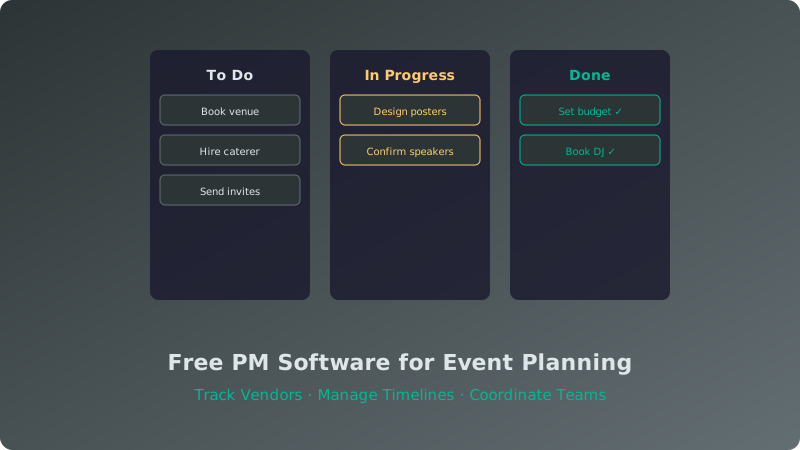
Trello's Kanban boards are natural fits for event planning. Create columns for each workstream (Venue, Catering, Speakers, Marketing, Logistics) and move cards from "To Do" to "In Progress" to "Done." On event day, create a dedicated board with a column for each time block and cards for each task. Volunteers can check off items on their phones as they complete them.
The main limitation is the lack of a timeline view on the free plan, making it harder to visualize dependencies between tasks. For a full breakdown, see our Trello free plan review.
Asana: Best for Milestone-Based Planning
Asana's free plan includes a basic timeline view, which is invaluable for event planning. You can set up milestones (Venue Confirmed, Speakers Finalized, Marketing Launched, Event Day) and see how tasks relate to each other. The calendar view helps you spot scheduling conflicts. The 10-member limit on the free plan works for small event teams but may be tight for larger organizations.
Notion: Best for Centralized Documentation
Notion shines when you need a single place for everything: vendor contact lists, budget spreadsheets, floor plans, run-of-show documents, and meeting notes. You can build a custom event planning workspace with linked databases that pull task status into your budget tracker. The learning curve is steeper, but the flexibility is unmatched. Check our Trello vs Notion comparison for a side-by-side look.
ClickUp: Best for Feature-Hungry Teams
ClickUp's free plan packs in features: Gantt charts, time tracking, docs, and whiteboards. For event planning, the Gantt view is the biggest draw — it lets you see the full project timeline with dependencies. The trade-off is complexity. ClickUp takes longer to set up and learn, which can be a problem when you are already short on time before an event.
Setting Up Your Event Planning Workspace
Regardless of which tool you choose, here is a recommended structure for event planning projects:
- Master Task Board: All tasks organized by workstream with assignees and due dates.
- Vendor Tracker: A list or database of all vendors with contract status, payment due dates, and contact information.
- Budget Sheet: Running tally of estimated vs. actual costs by category.
- Day-Of Run Sheet: A separate board or list with time-blocked tasks for the event day, assigned to specific team members.
- Post-Event Debrief: A space for capturing what went well and what to improve next time.
For more on managing multiple workstreams, see our guide on managing multiple projects simultaneously.
Conclusion
Event planning does not require expensive software. Trello, Asana, Notion, and ClickUp all offer capable free plans that handle the core needs of event teams: task tracking, timelines, documentation, and team coordination. Choose based on your team size and which feature matters most — visual boards (Trello), timelines (Asana), docs (Notion), or all-in-one features (ClickUp). Start with a clean workspace structure, keep vendor and budget info centralized, and you will have a solid system that scales from a 50-person workshop to a 5,000-person conference.